
In the Employee Self-service portal you can see your performance information which is divided in to reviews and performance goals.
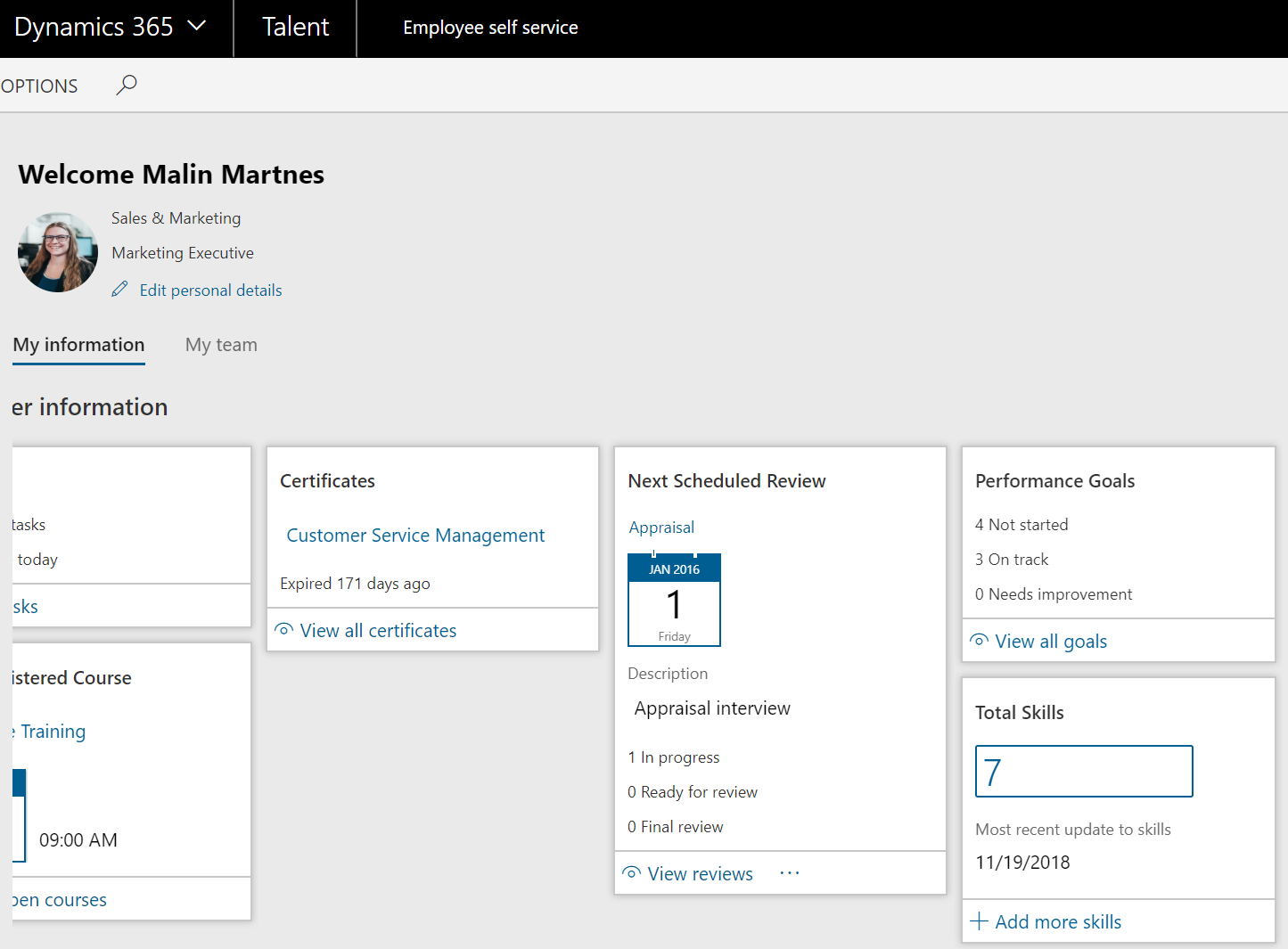
Review
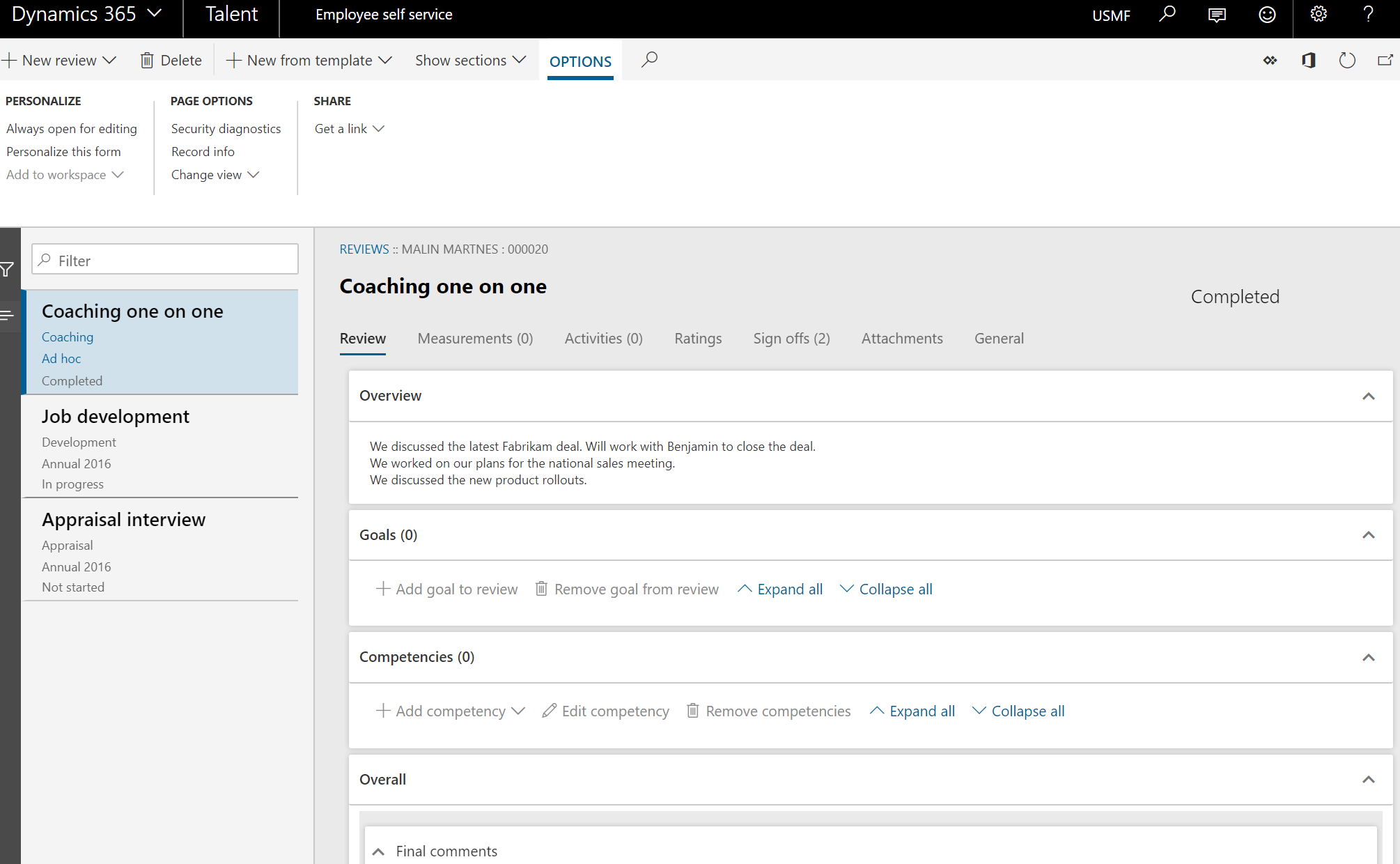
In the review section, you can see when your next review is scheduled and the progress of you previous reviews. If you click “View reviews” you get a list of your reviews. From this page you can edit measurements, activities, ratings, sign offs, and attachments for every review listed. You can also add new reviews, either by creating them from scratch or by using a template.
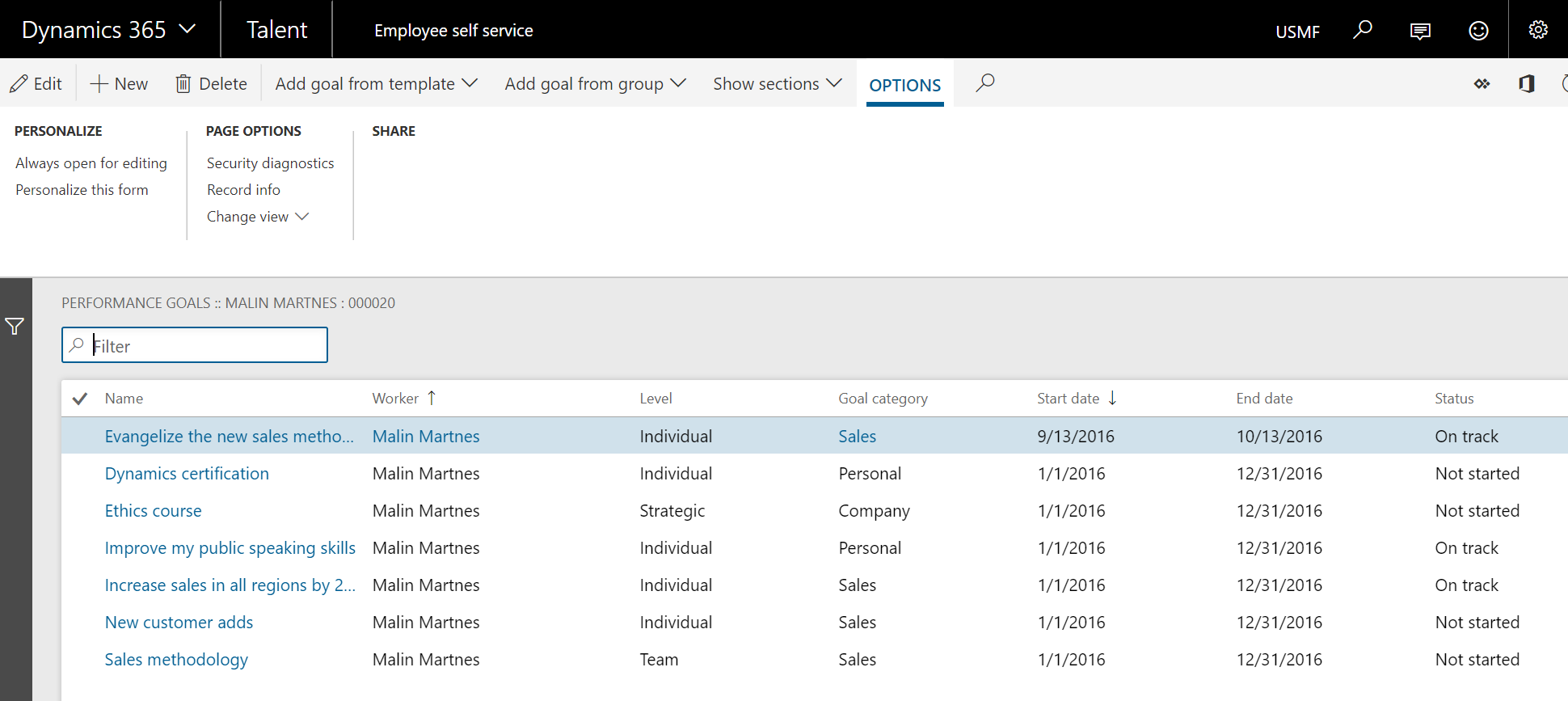
Performance goals
Use Performance goals page to enter and review progress on your goals. You can enter a new goal by building them yourself or adding from a template or a group. You can enter and complete activities for goals, and indicate that you completed a goal.

 Malin Martnes