
Under the additional information section of the Employer Self Service workspace, you can send feedback to a colleague.
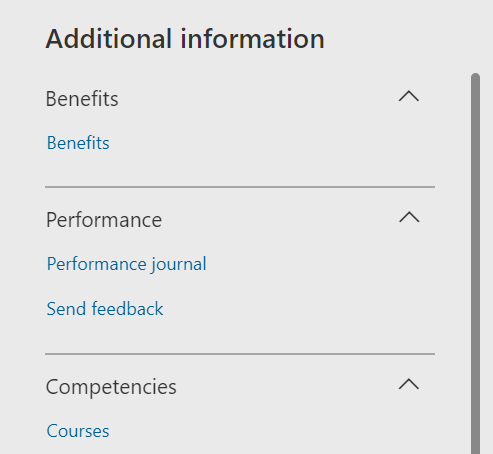
When you click on “Send feedback” a panel will open on the site where you first specify whom you wish to send feedback to.
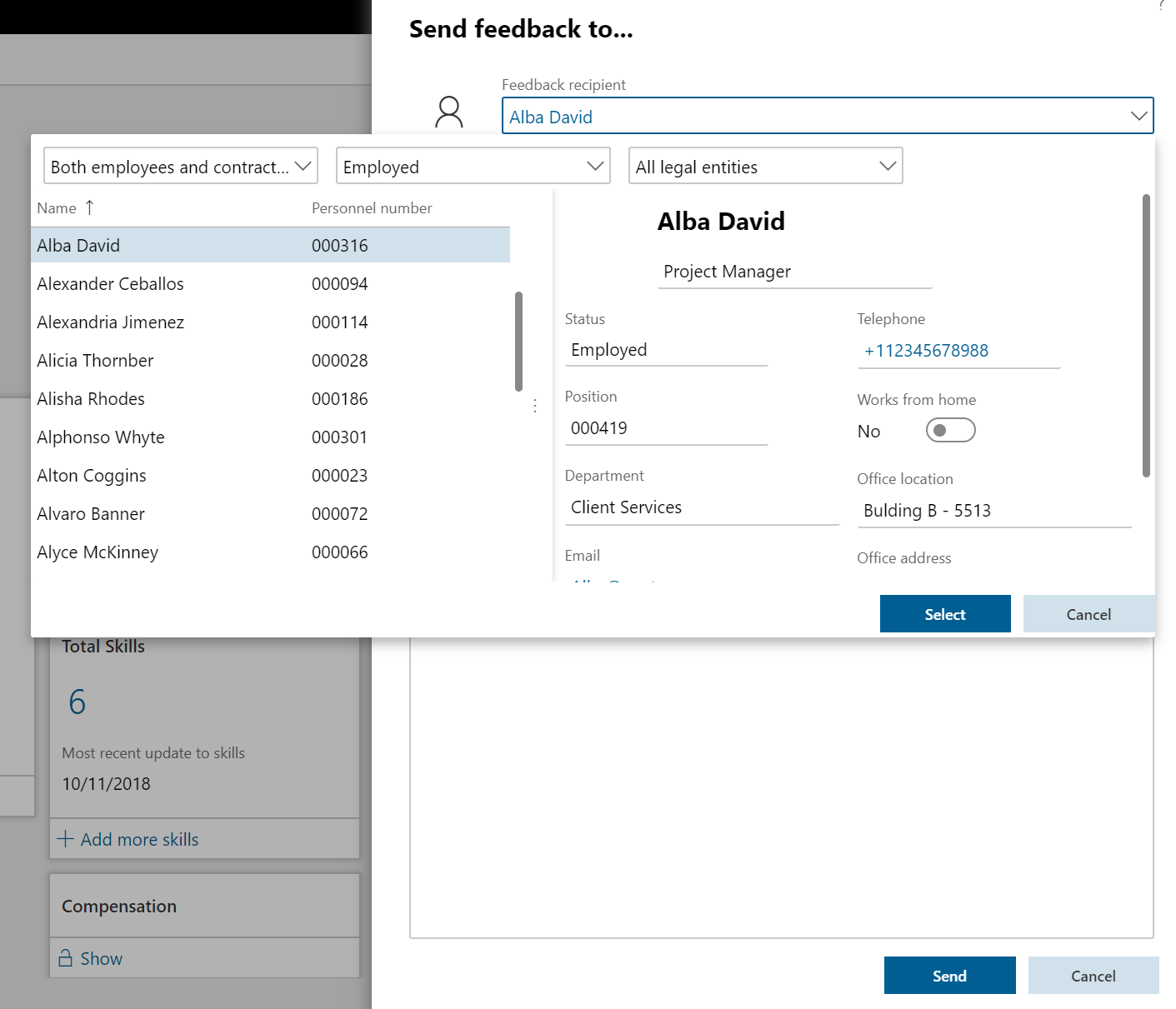
Employee Self-service – Send feedback
After you find the person you wish to sendt feedback to you write the feedback and press send.
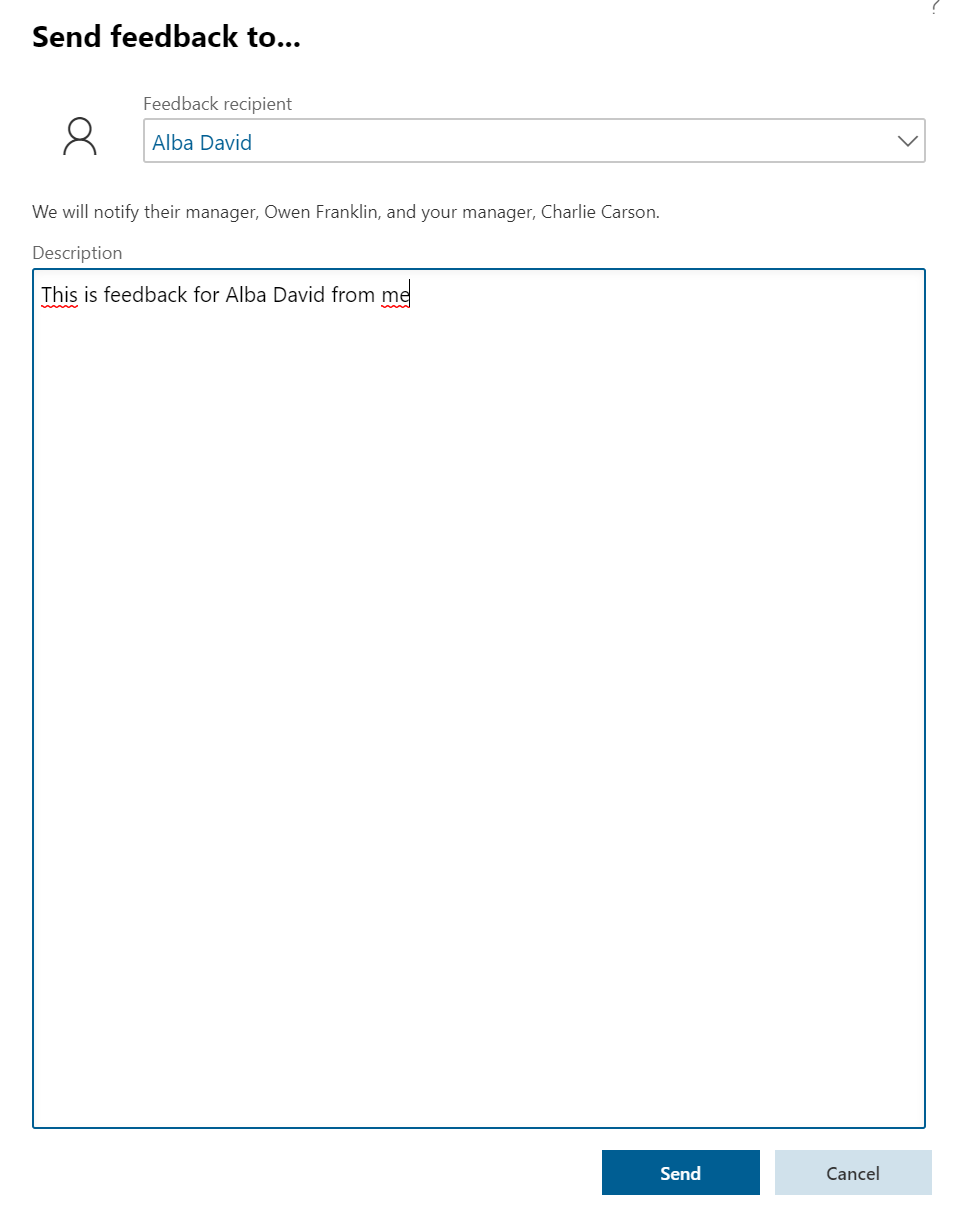
When you send the feedback your manager and the feedbacks recipient manager will get a notification. This feedback can also be included in reviews.

 Malin Martnes