
The first thing you need to do to process eligibility rules is to create an eligibility event, when you have created that you click process in the action pane.
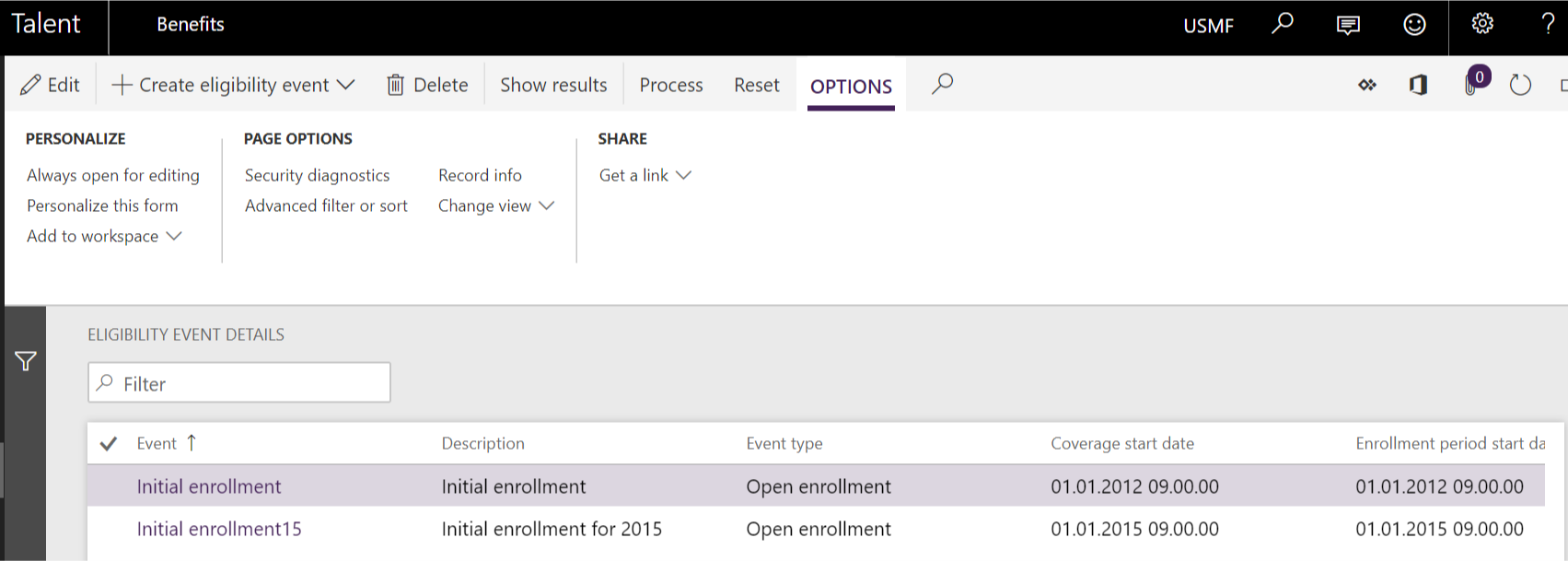
When you click process, a new tab on the left side will open. Where you can see how many workers and benefits there is to process and the dates.

When you press ok, you start the process in the background, and you can continue working in Talent.
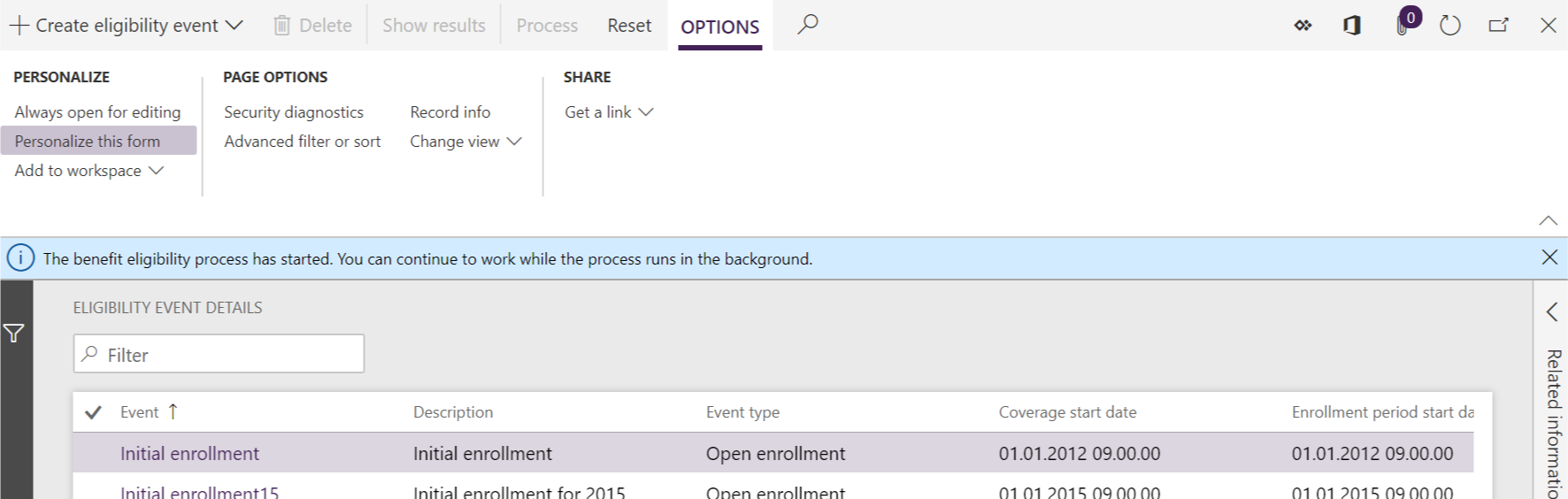
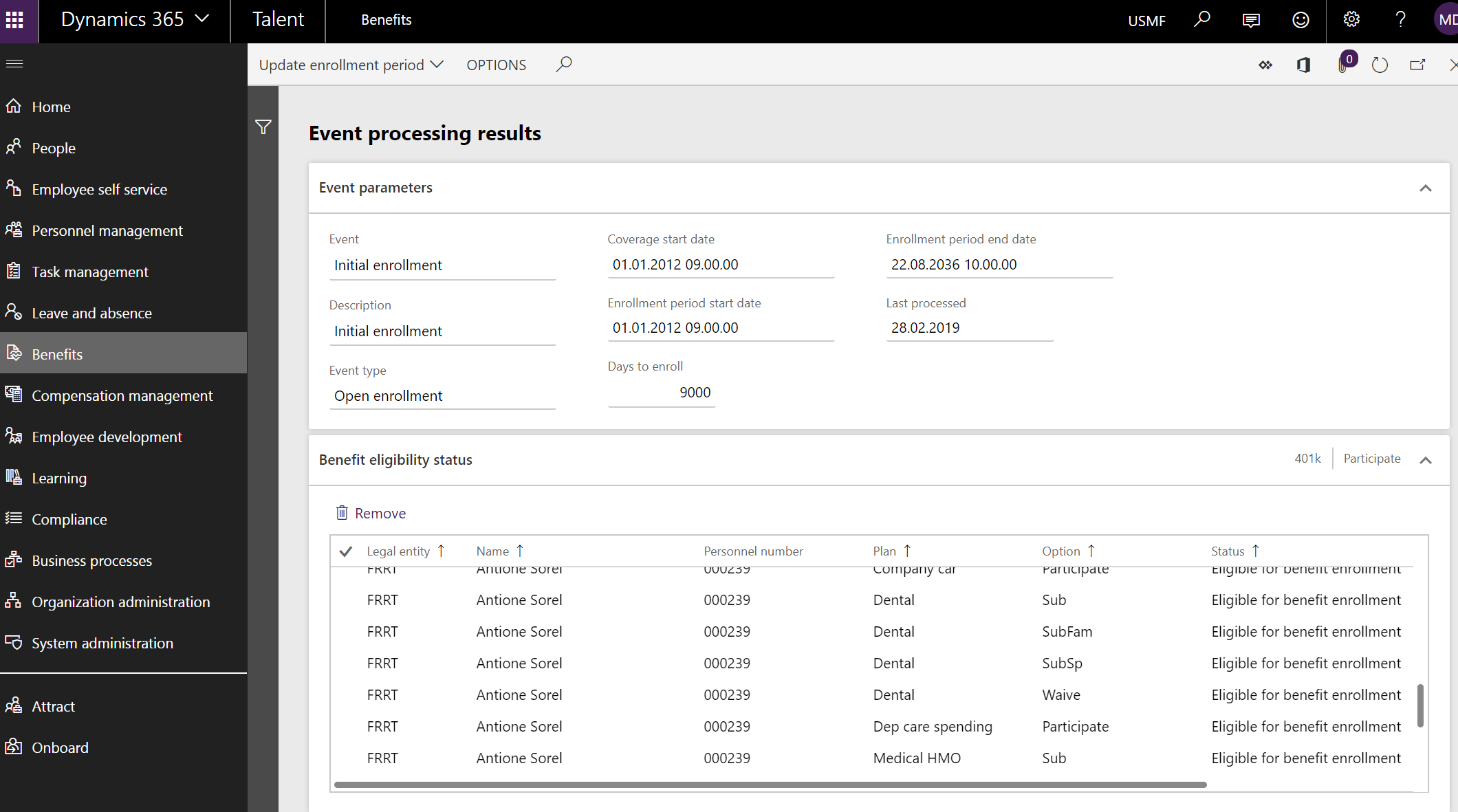
When the process is done you can show the results from the action pane

When you click show results you get a list of all the persons that are eligible for the benefits.

 Malin Martnes
1 thought on “MB6-898 Process eligibility rules for workers”