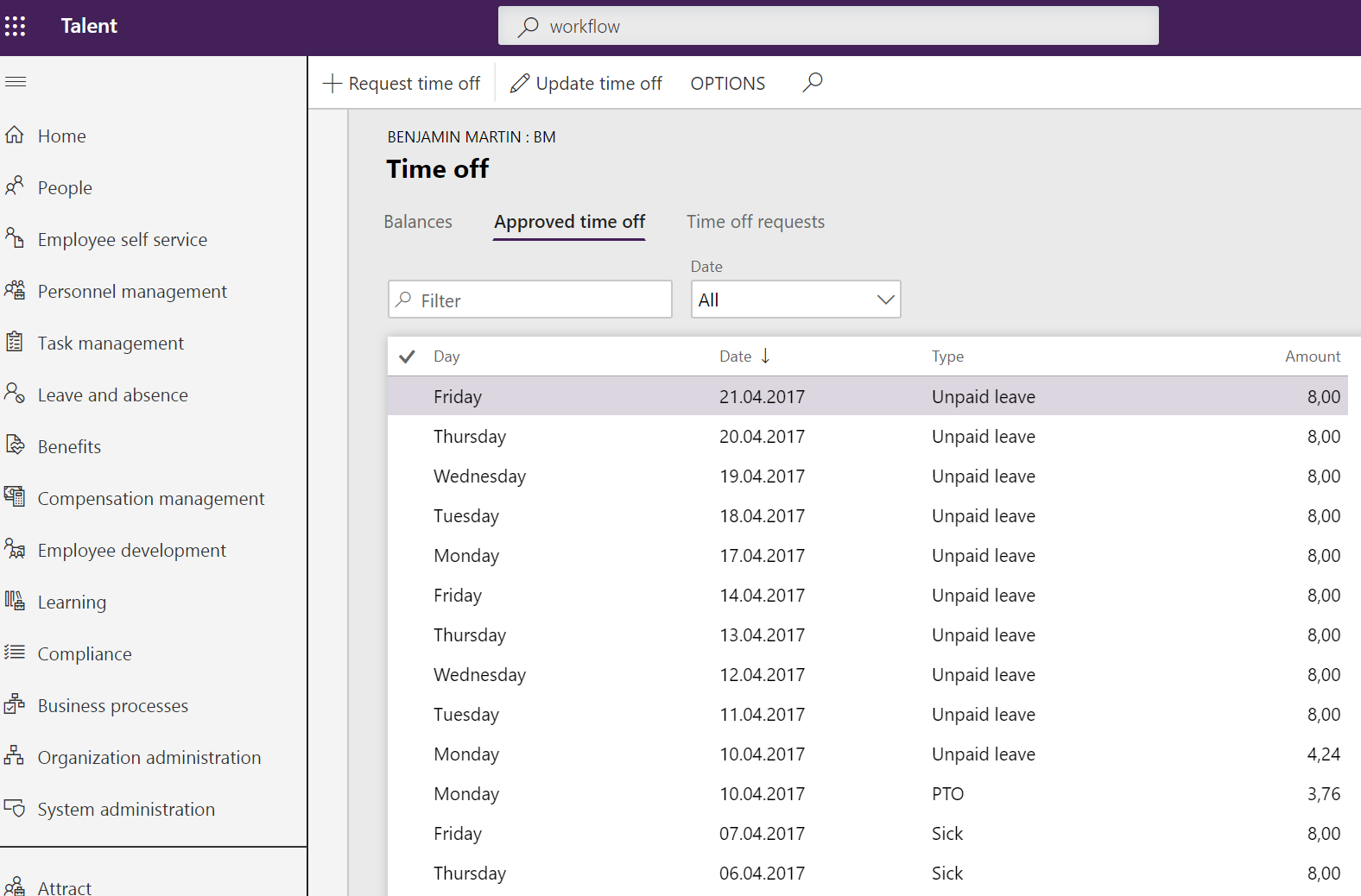
In personnel management you find the employee you want to view time off requests and approved time off for, then you click in worker in the action pane and “View time off”.
This sends you to the Time off page where you can see all the balances, approved and not approved requests. If you have some time off requests you can approve them from this page.
Time off page
You can also se the balances for the different leave and absence that the employee is enrolled in.
I have worked with different CRM systems for almost 10 years, and worked as a consultant with Dynamics CRM for 4 years.
Since march 2018 I have worked with Microsoft's new HR system, Dynamics 365 for Talent, and gained unique insight in the system and various HR processes.
In august 2018 I was the second in the world to pass the MB6-898 Dynamics 365 for Talent certification.
View all posts by Malin Martnes




 Malin Martnes