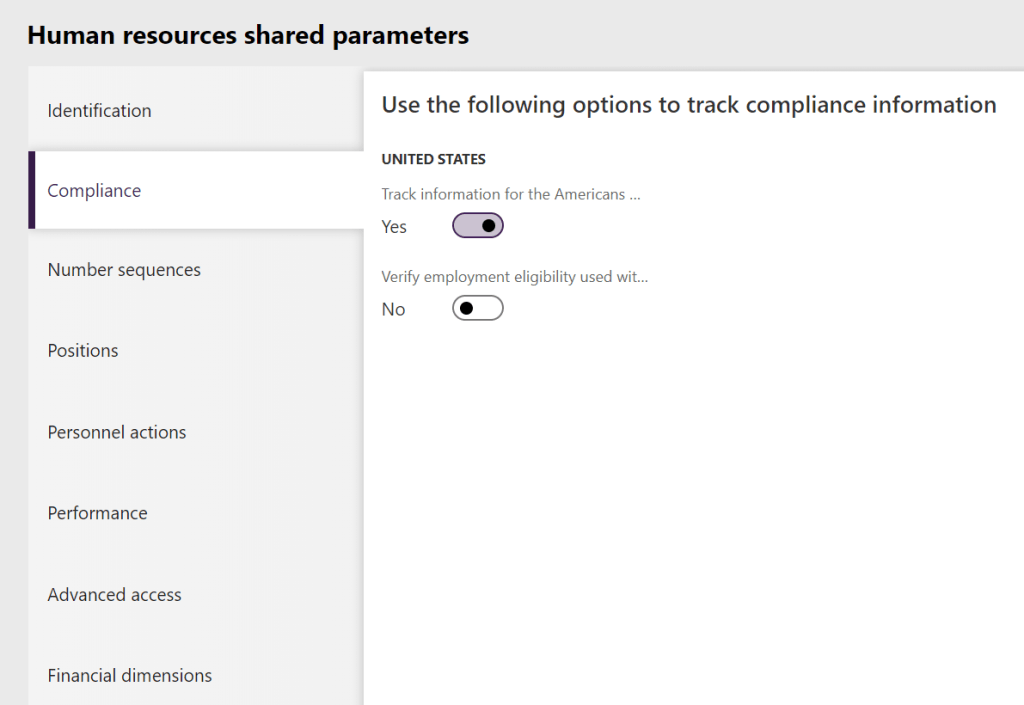
The first thing you have to do to use the compliance features is to go to Personnel management -> Links -> Human resources shared parameters -> Compliance and change the setting to yes for Track information for the Americans with Disabilities Act.
When you now go to Organization administration -> Job Templates you will find ADA in the action pane. When you click that you go to the ADA requirements page where you can set the requirements for the job template.
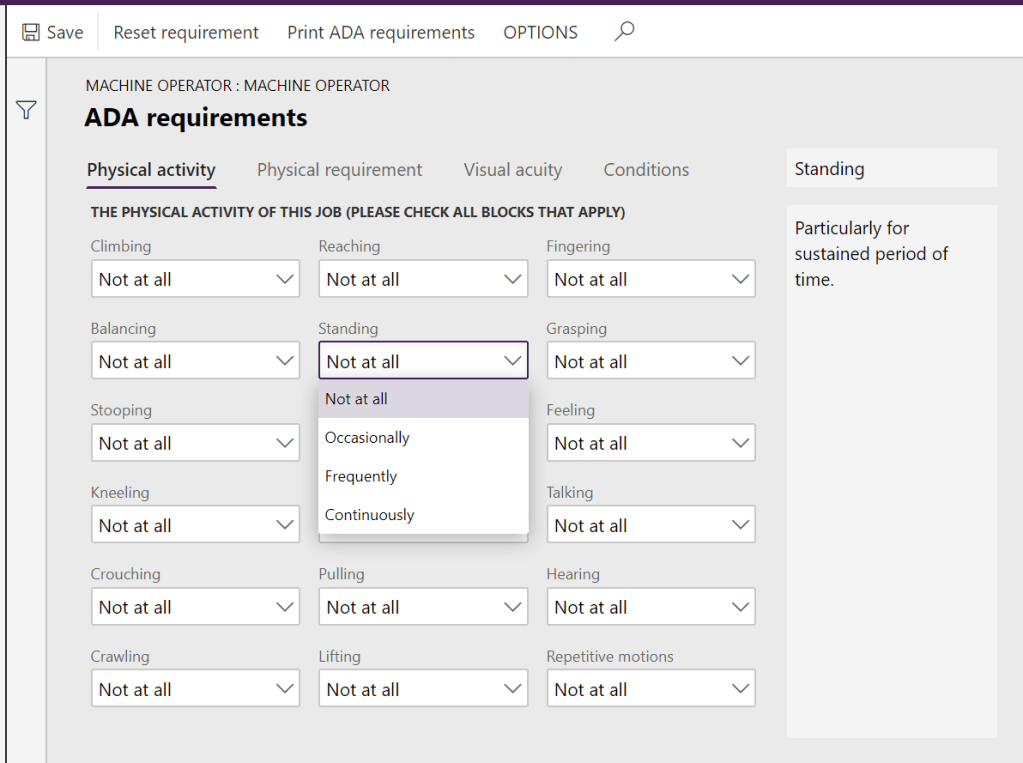
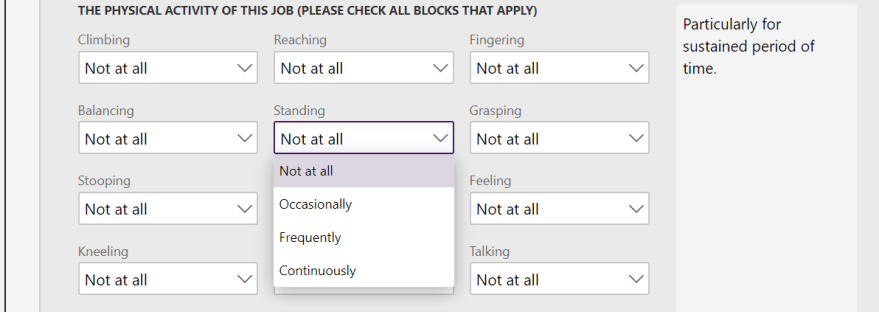
ADA requirements page – Physical activity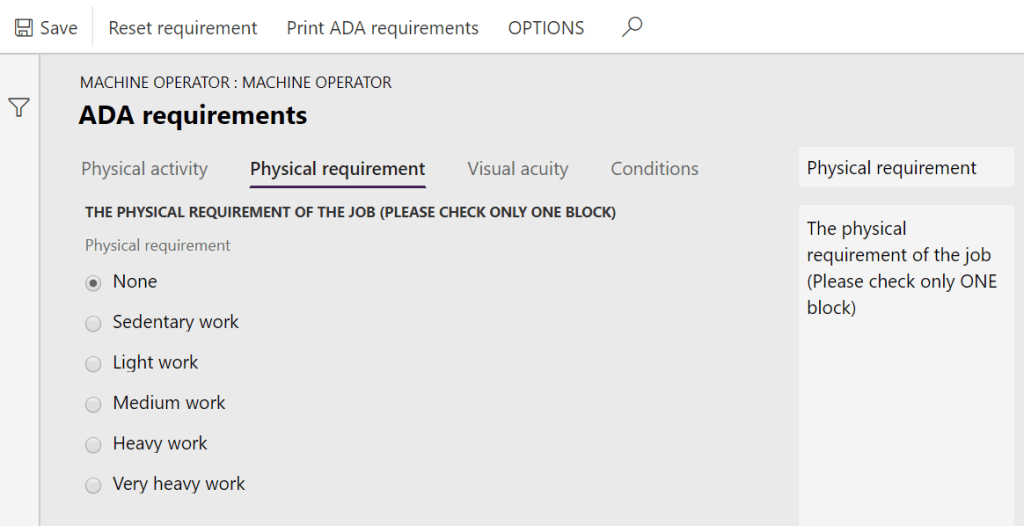
ADA requirements page – Physical requirement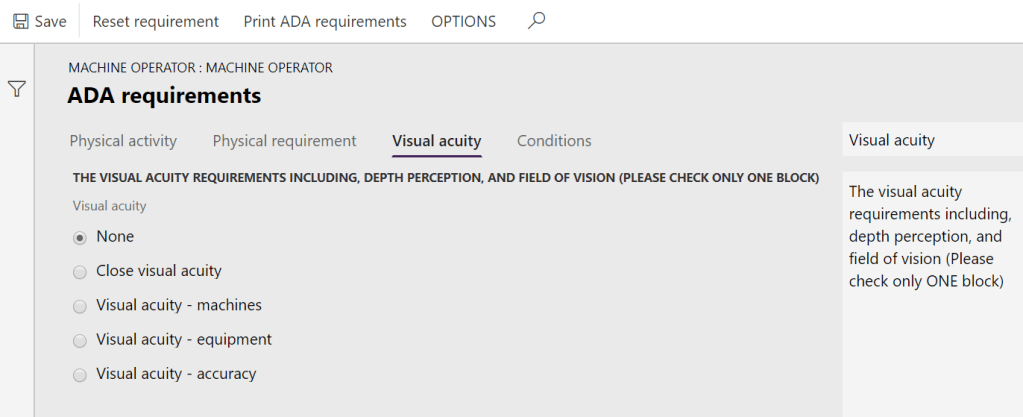
ADA requirements page – Visual acity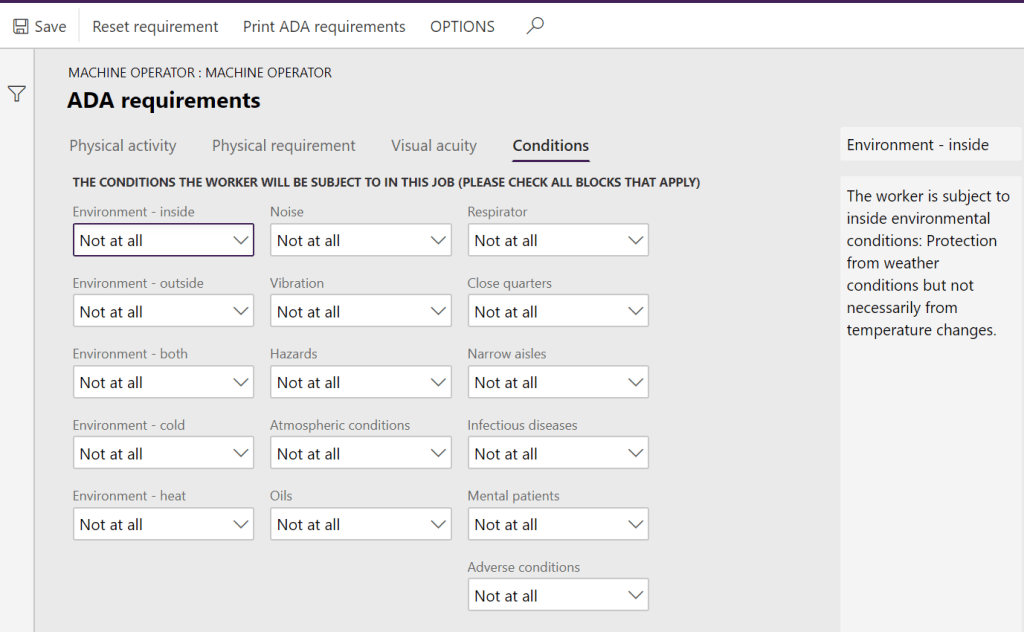
ADA requirements page – Conditions

 Malin Martnes