This post shows how you review and make changes to compensation plans in Dynamics 365 for Talent

Dynamics 365 and Power Platform
This post shows how you review and make changes to compensation plans in Dynamics 365 for Talent

When you set up a new compensation you should set "Recommendation" to yes to be able to give recommendations. Enable recommendations When you run the process you can change the recommendations in the results and click recalculate to set the new recommendations. Results - recommendation

This post gives some examples of fixed and variable compensation plans in Dynamics 365 for Talent
The third part of Set Up and Use the Talent Application (25 - 30%) is Configure compensation information: Describe examples of fixed and variable compensation plans Use recommendations with compensation Review and make changes to compensation plans Define mandatory confirmation for compensation plans Describe the range utilization matrix Define reference points Create compensation grids Define… Continue reading MB6-898 – Configure compensation information
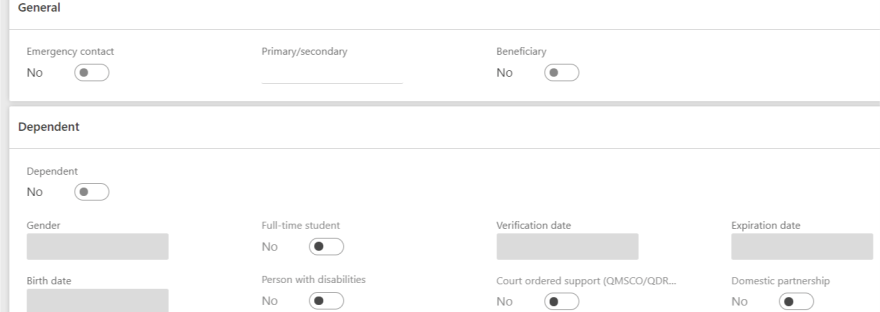
To maintain dependents and beneficiary information you go to the personnel management workspace and find the worker you want to edit. Under the tab profile and subsection Personal information you find personal contacts. Personnel management personal contacts When you click on personal contacts you get a list of the personal contacts that's registered on the… Continue reading MB6-898 Maintain dependents and beneficiary information
 Malin Martnes