The first part of Set Up and Use the Talent Application (25 - 30%) is all about managing the worker information Understand worker and position datadescribe the difference between jobs and positionsset up and manage jobscreate and assign positions to workersexplain Personnel actionsenable and use Worker actions and Position actionsconfigure prerequisites for positions and jobsconfigure… Continue reading MB6-898 Manage worker information
Category: Div
MB6-898 Set Up and Use the Talent Application (25 – 30%)
This post is the collection of the section set up and use the Talent Application for Dynamics 365 for Talent
MB6-898 Provide examples for uses of task management
This post is giving examples for uses of the task management in Dynamics 365 for Talent
MB6-898 Set up and use task management
The last set of skills testet in Configure and Use the Onboarding, Offboarding, and Transition Processes (20 - 25%) is Set up and use task management Describe the various types of task management scenariosprovide examples for uses of task managementdescribe the setup components for a task management checklistcreate checklistsapply a checklist to a worker
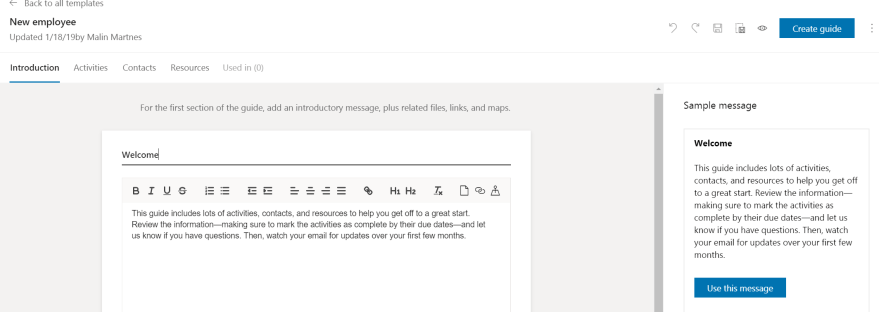
MB6-898 Send a guide to a worker
When you created your guide and want to send it to the new employee you click the send button on the top right corner Guide ready to send If you want to send the email as it is, you can click send. If you want to edit the email you click the "Customize the email… Continue reading MB6-898 Send a guide to a worker
 Malin Martnes