Attract, Certification, Microsoft Dynamics 365 for Talent

MB6-898 Send schedule and summary to the interview team

When you are done scheduling the interview you send the invitation to the interviewer(s) by clicking the button "Send to interviewers" Send to interviewers You then need to review the interview details ans customize the email you are sending to the interviewers. Interview send schedule to interviewer To send the summary to the interviewer you… Continue reading MB6-898 Send schedule and summary to the interview team

Attract, Certification, Microsoft Dynamics 365 for Talent

MB6-898 Identify options for defining the interview

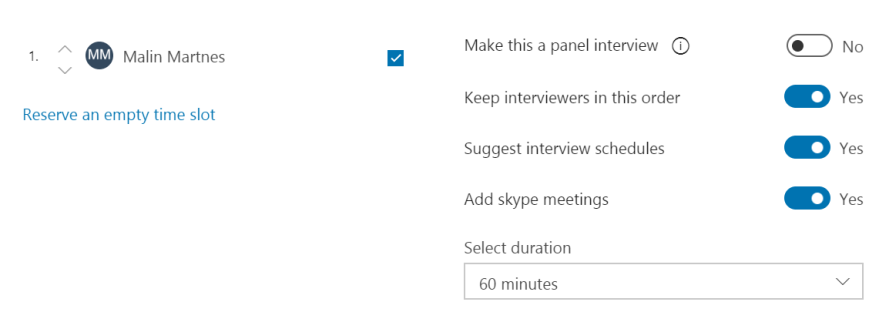
In this question I wasn't sure if they were talking about the setup in the interview stage or when you setup the interview to send to a candidate. In the interview stage you have several configuration possibilities: Request candidate availabilitySelect online Skype meetingSend mail to candidateAllow adding feedback providers from outside of the interview loopAllow… Continue reading MB6-898 Identify options for defining the interview

Attract, Certification, Microsoft Dynamics 365 for Talent

MB6-898 Request candidate availability

When an applicant has applied to a job and advanced beyond the Application stage, you can ask for the candidate availability. In the standards process you can ask for availability in the Screening and the Interview stage. To send a request for availability to the candidate you click "Send request" When you click "Send request"… Continue reading MB6-898 Request candidate availability