Read about what positions and jobs are and how they are connected to each other. To create a position, you go to the position page in the organization administration and click the new button if you want to create one from scratch, or the copy position if you wish to make a copy of an… Continue reading MB6-898 Create and assign positions to workers
MB6-898 Set up and manage jobs
You can create a new job or manage existing jobs from Organization administration -> Jobs or via the Excel add-in. The more information you register, the easier it is to create positions later. You can also copy jobs from another job or a template and se the changes made on the job. Copy job The… Continue reading MB6-898 Set up and manage jobs
MB6-898 Describe the difference between jobs and positions
This post describes the difference between jobs and positions in Dynamics 365 for Talent
MB6-898 Understand worker and position data
This post helps you understand worker and position data in Dynamics 365 for Talent
MB6-898 Manage worker information
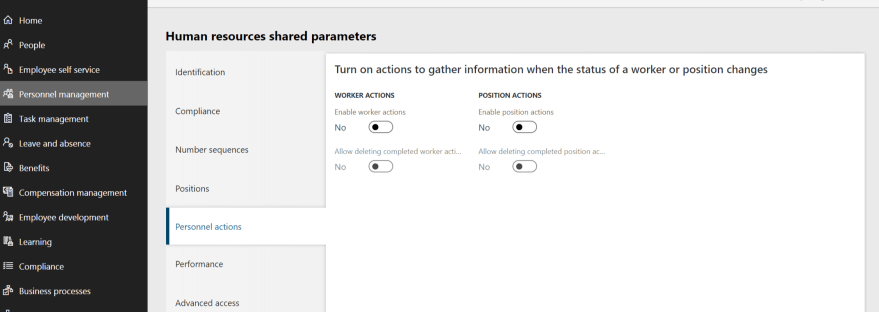
The first part of Set Up and Use the Talent Application (25 - 30%) is all about managing the worker information Understand worker and position datadescribe the difference between jobs and positionsset up and manage jobscreate and assign positions to workersexplain Personnel actionsenable and use Worker actions and Position actionsconfigure prerequisites for positions and jobsconfigure… Continue reading MB6-898 Manage worker information