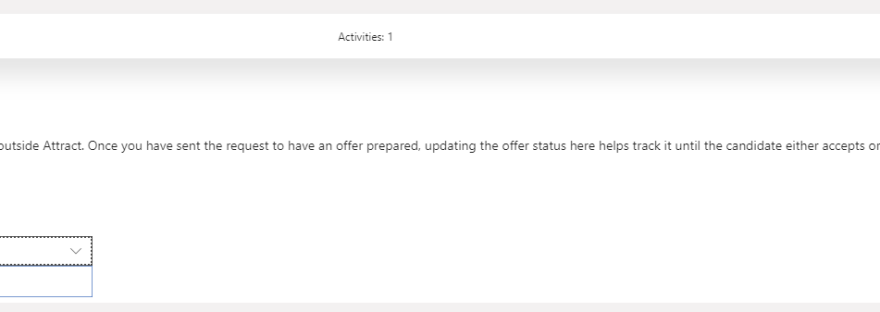
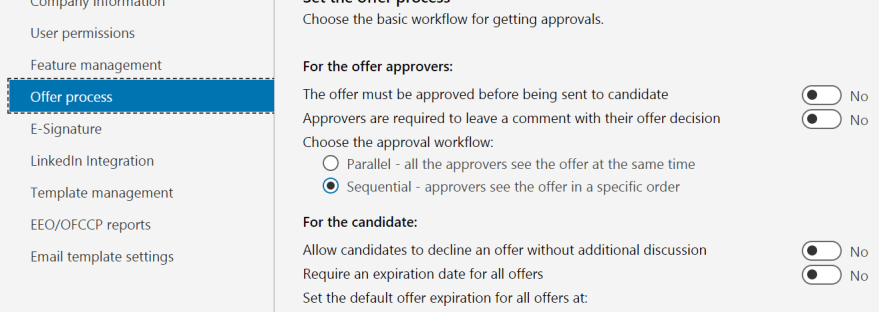
When you change the offer stage status to Accepted or the candidate has accepted the offer a new area appears - Onboard. With the offer app used: Offer accepted Without the offer app: Offer settings accepted With this function you click the button "Start onboarding" and the new employee is transferred to the onboarding app and… Continue reading MB6-898 Start the onboarding process
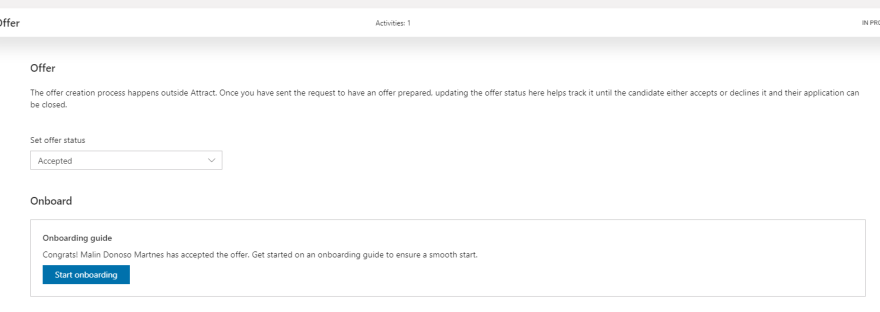
MB6-898 Maintain the status of the offer
How you maintain the status of the offer in Dynamics 365 for Talent
Top 10 in December 2018 Blog Leaderboard Dynamics 365 Community
In October I was number 6 in the blog leaderboard in the Microsoft Community, In November I made it to number 4. In December I made it to top 3! It's still a lot of work, but I have about 70 more posts on the Mb6-898 certification before I'm done with that, so keep following me… Continue reading Top 10 in December 2018 Blog Leaderboard Dynamics 365 Community
MB6-898 Define offer settings
In the Offer stage on the job you have three options you can change: Launch Offer Management App on prepare offer (requires the comprehensive hiring SKU/Add-on)Hiring Managers can prepare offer. This is only available if the previous setting is on.Allow Positions to be reused within job. In the admin center you can define the offer… Continue reading MB6-898 Define offer settings
New Year – new possibilities!
2019 is at our doorstep and it's a year I have high hopes of! Right before Christmas I got an email that informed me that I was selected to speak about Dynamics 365 for Talent at Summit EMEA in late Mars, more information will come later, but you can register already. I'm looking forward to… Continue reading New Year – new possibilities!