Since October the Attract module of Talent has had the possibility to use a basic e-sign to sign the offer sent. But Desember 12th Adobe announced that they are working together with Microsoft and that you now have the capability to use Adobe Sign to sign the offers. You can read the Adobe Solution Brief… Continue reading Talent ❤ Adobe Sign
MB6-898 Request candidate availability
When an applicant has applied to a job and advanced beyond the Application stage, you can ask for the candidate availability. In the standards process you can ask for availability in the Screening and the Interview stage. To send a request for availability to the candidate you click "Send request" When you click "Send request"… Continue reading MB6-898 Request candidate availability
MB6-898 Schedule and manage interviews
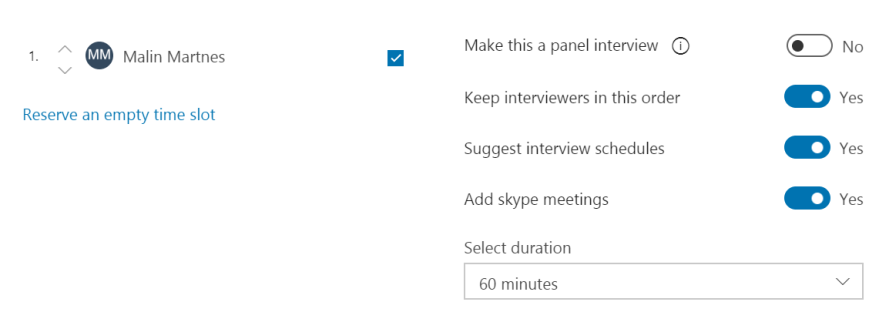
The third skillset in Manage the Attract and Recruiting Processes (25 - 30%) is; Schedule and manage interviews Request candidate availabilityIdentify options for defining the interviewschedule an interviewsend schedule and summary to the interview teamconduct interviews and provide interview feedback and recommendations
MB6-898 Update the applicant status
To update the applicant status you go forward to the next stage. You do that by clicking the button “Advance stage”, you then get to options: Advance stage - Where you go to the next stage.Skip stage - Where you skip the next stage and go to the stage after that.
Dynamics 365 for Talent Comprehensive Hiring Add-On/SKU
This post gives you the full overview of the Comprehensive hiring add-on/SKU for Dynamics 365 for Talent Attract